
Created by Frametools
Animate the
World.
Create cinematic globe animations with flight paths, country highlights, and smooth camera movements. No 3D experience required.
Globe animations shouldn't be this hard
Every alternative forces you into the same tradeoff: learn complex 3D software, buy inflexible templates, or settle for results that look amateur.
Templates that fight you
After Effects templates require specialized skills, and the moment you want to change a flight path or add a stop, the whole project falls apart.
Painfully slow renders
Traditional globe animations need Cinema 4D or After Effects — with render times measured in hours, not minutes. Poorly optimized and hard to iterate on.
Steep learning curve
3D software like Blender or C4D gives you full control — but demands weeks of learning before you can produce a single usable globe animation.
Your complete globe animation toolkit
Point-to-point animation
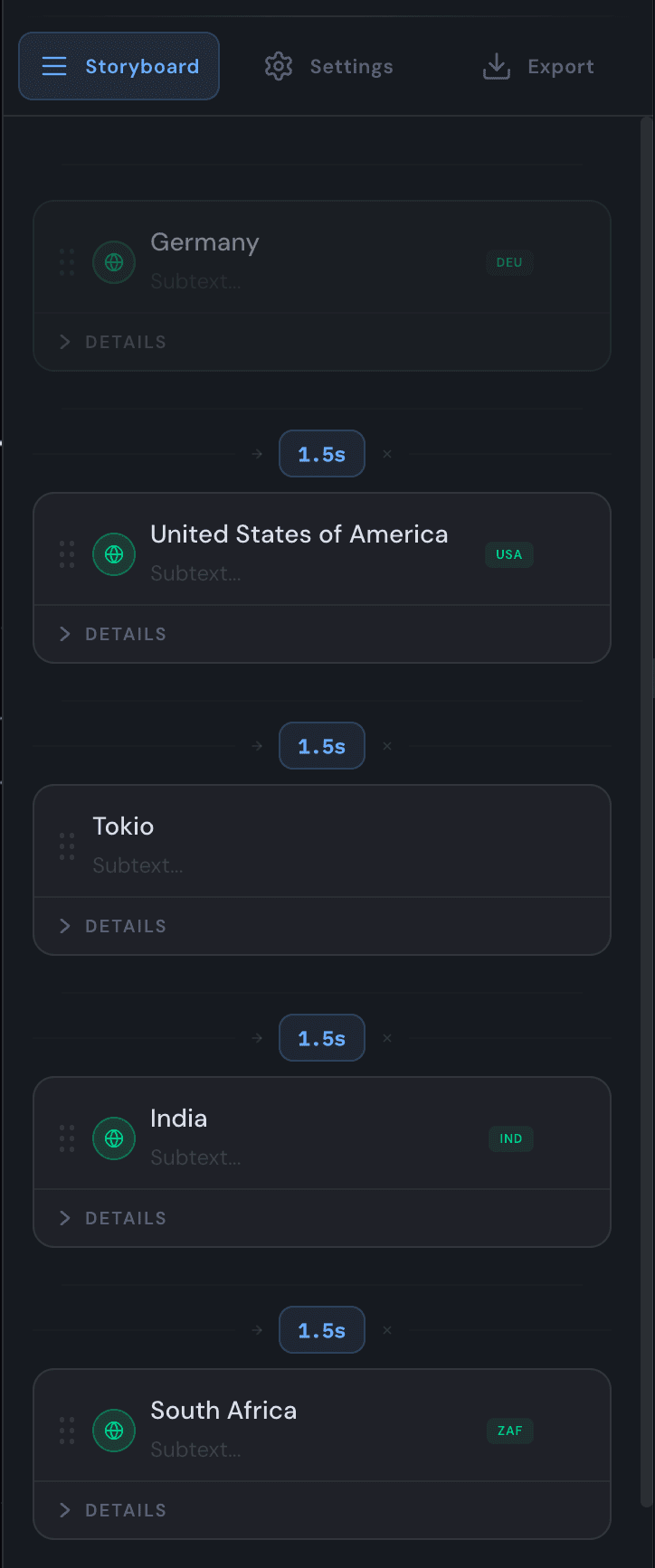
Add locations, arrange stops, set dwell times and transitions. The storyboard drives the entire animation — drag to reorder, click to preview. Bulk-import from CSV or paste a list.
Highlight countries with precision
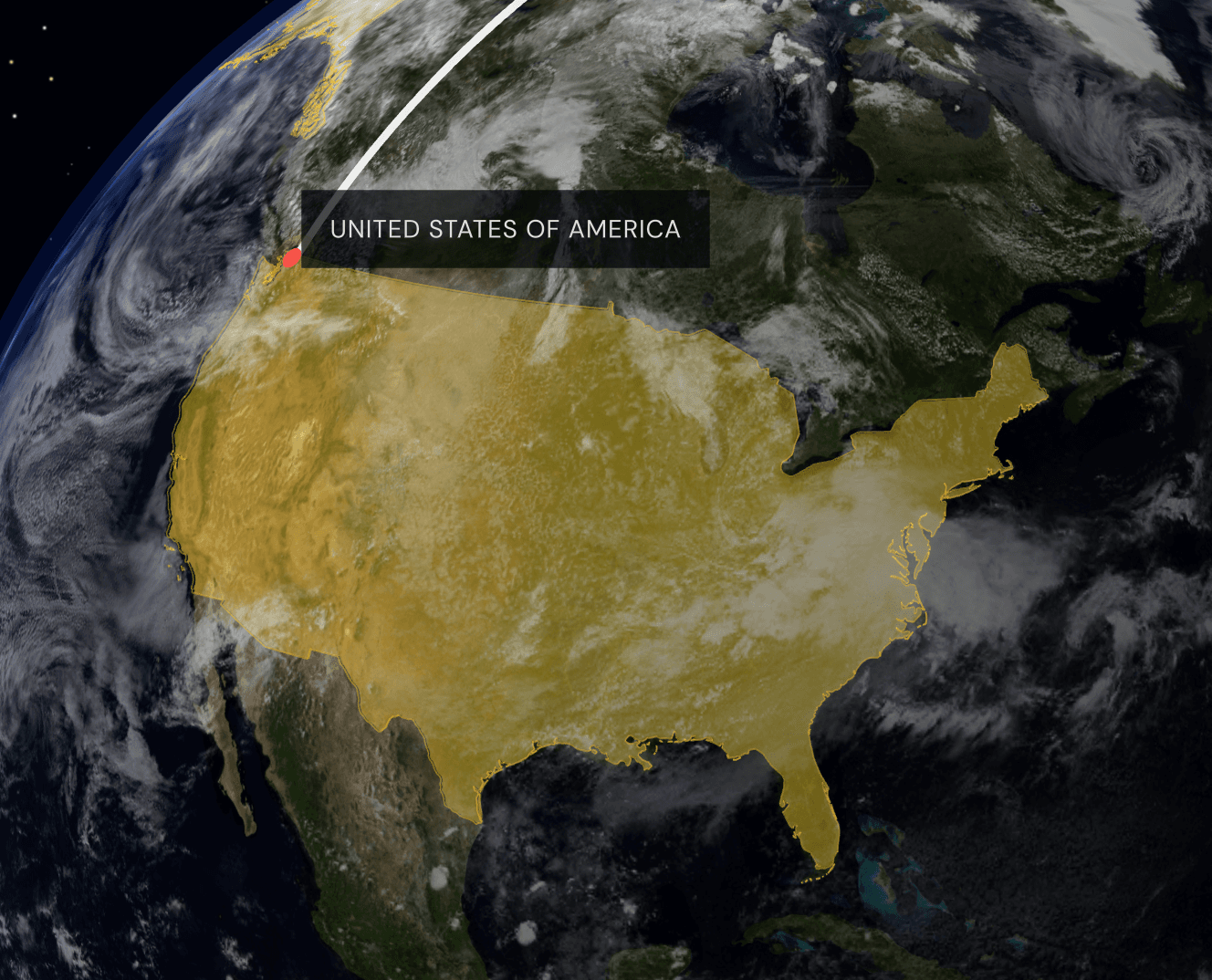
Fill, border, or both — with per-country color, opacity, and persistence settings. Countries light up as the camera arrives and can persist across the whole animation.
Animated paths between locations
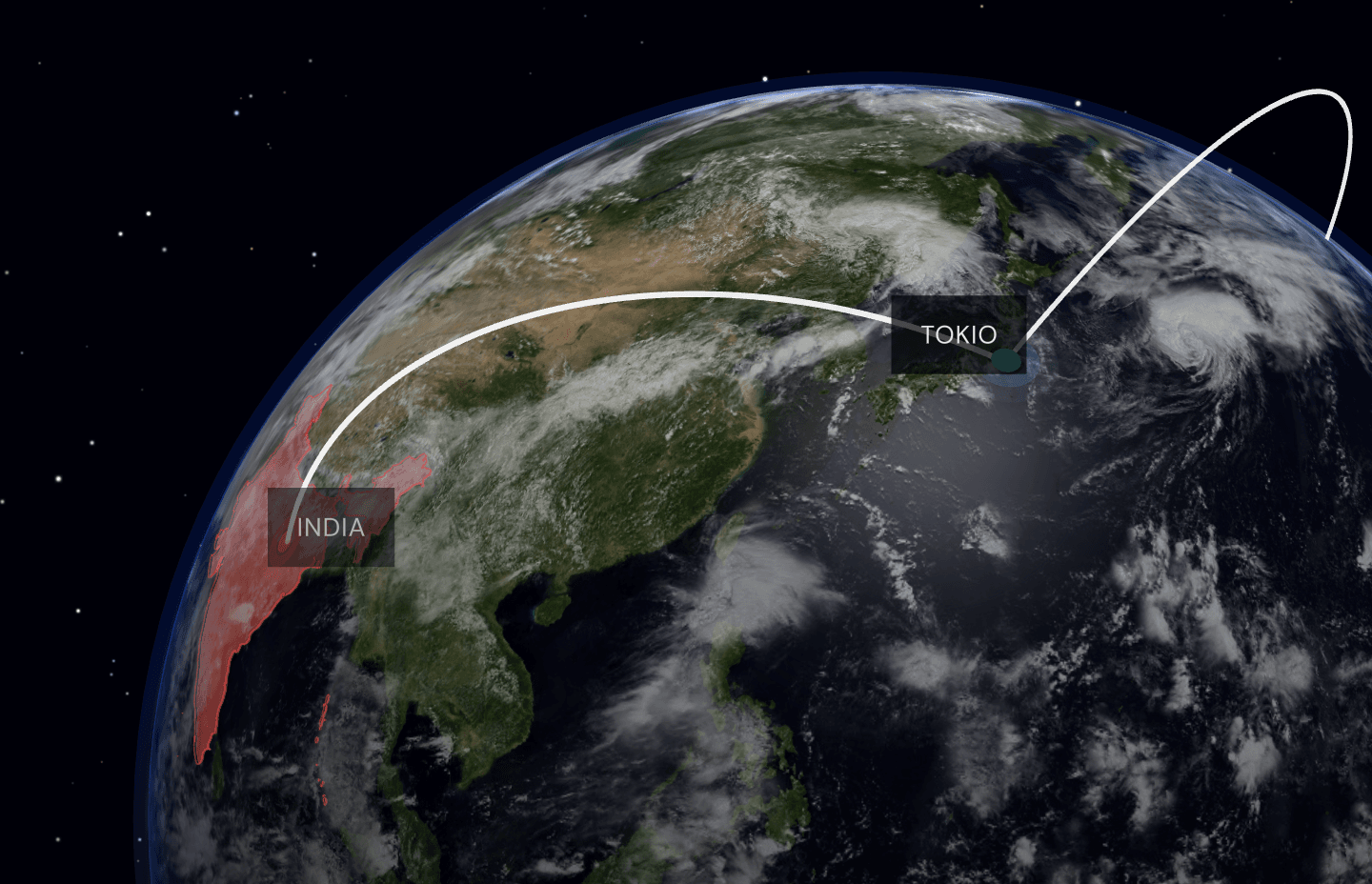
Smooth, dashed, or dotted arcs with gradient trails. Customize height, thickness, and trail length for each segment individually.
Customize everything
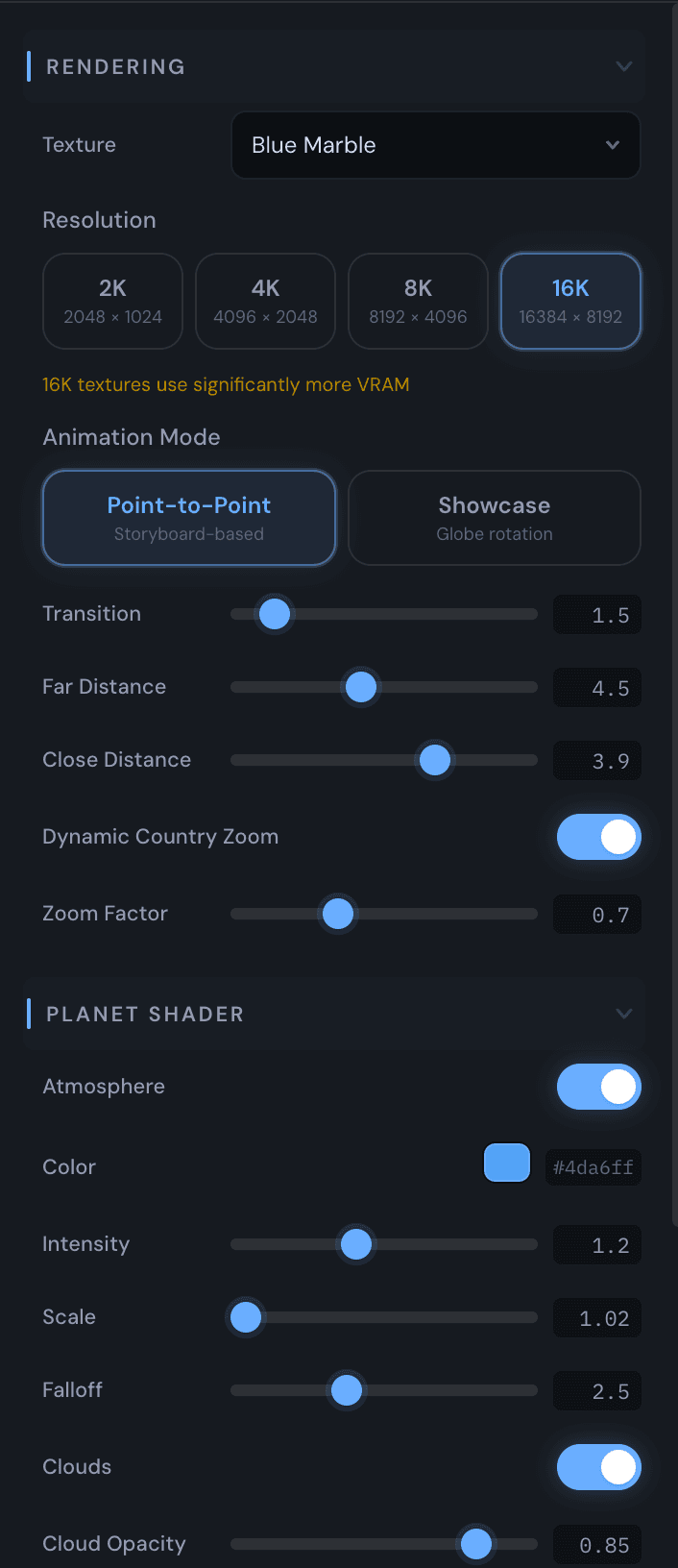
Planet shaders, anamorphic lens flares, label styles, arc effects, wave animations — tweak every detail to match your vision. Switch between day and night earth textures, control sun position and lighting, and fine-tune the atmosphere.
Up to 4K cinematic output
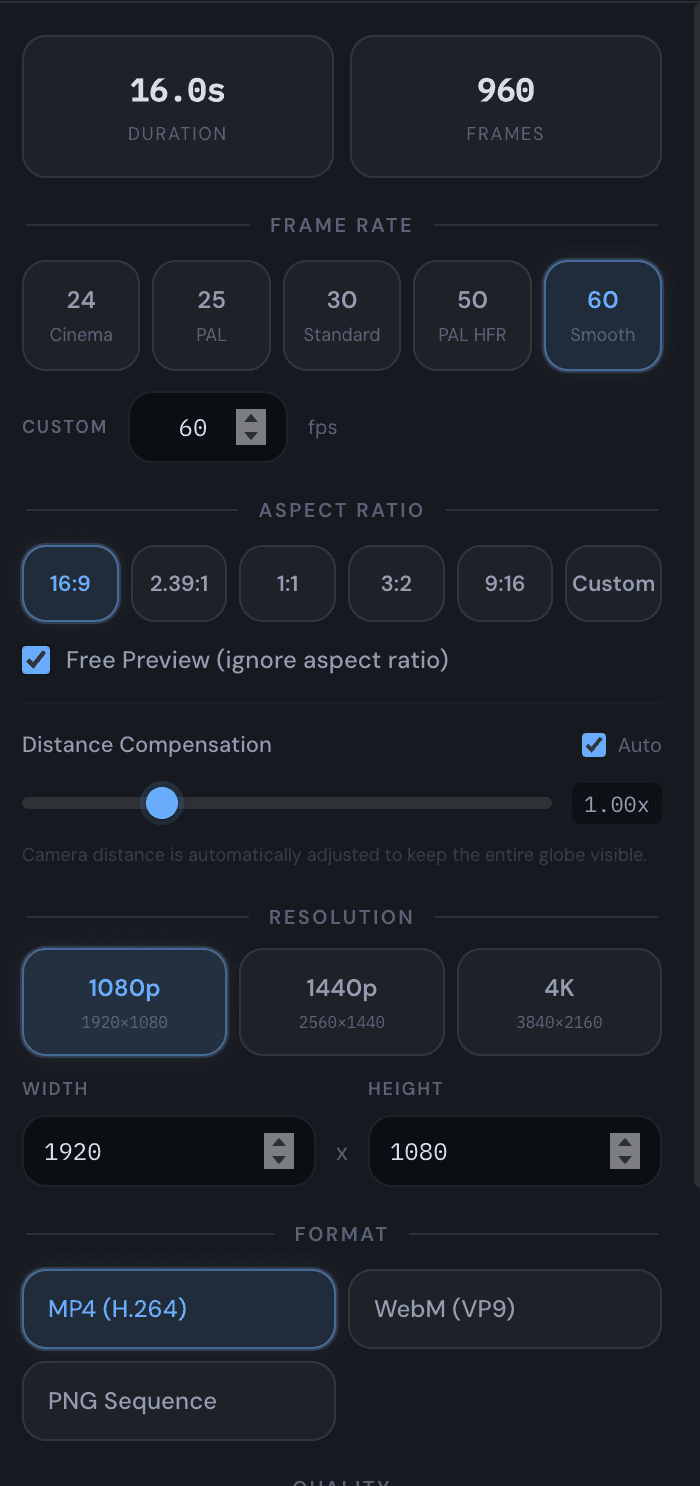
Export as H.264, H.265, or VP9 video — or PNG sequences for compositing. FFmpeg pipe optimization makes rendering significantly faster than frame-by-frame.
Three steps to cinematic results
Add locations
Type city names, country names, or paste coordinates. Bulk-import from CSV. Globe Studio auto-detects countries vs. cities.
Customize everything
Pick textures, adjust lighting, style pins and labels, set camera distances, enable country highlights and flight arcs.
Export video
Hit export. Globe Studio renders every frame and encodes directly via FFmpeg. Pick resolution, format, and quality — done.
Globe Studio vs. the alternatives
See how Globe Studio stacks up against other tools for creating globe animations.
| Tool | Purpose-Built | No 3D Skills | Standalone | Flight Arcs | Country Fill | 4K Export | Cost | Time to Result |
|---|---|---|---|---|---|---|---|---|
| Globe Studio | Pro | $19.99 once | Minutes | |||||
| After Effects Templates | Limited | Limited | Yes | $20–50/mo + template | Hours | |||
| Google Earth Studio | Yes | Free (Google account) | Minutes | |||||
| Blender / Cinema 4D | Manual | Manual | Yes | Free / $94/mo | Hours–Days | |||
| Globe.GL / D3.js | Code | Code | Manual | Free (code) | Hours (dev) |
Made for every use case
Content Creators
Travel vlogs, channel intros, social media reels
Journalists
News segments, conflict maps, migration visualizations
Businesses
Global presence, supply chains, expansion timelines
Travel Bloggers
Trip recaps, route animations, destination showcases
Presentations
Keynotes, pitch decks, annual reports
Educators
Geography lessons, history timelines, research talks
Try free. Upgrade when ready.
No registration required
One-time payment · All v1.x updates included
Instant delivery via Gumroad · Activate inside the app
Ready to animate your world?
Stop outsourcing globe animations. Create professional, cinematic visualizations on your own machine in minutes.
macOS · One-time purchase · No subscription